iPhone
1. Go to your "Me" tab in the app and tap on the settings gear in the top right corner
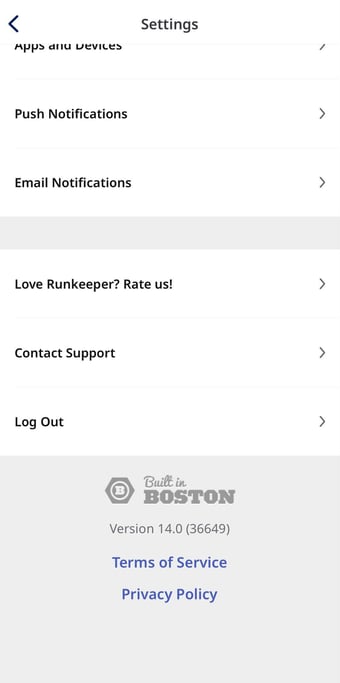
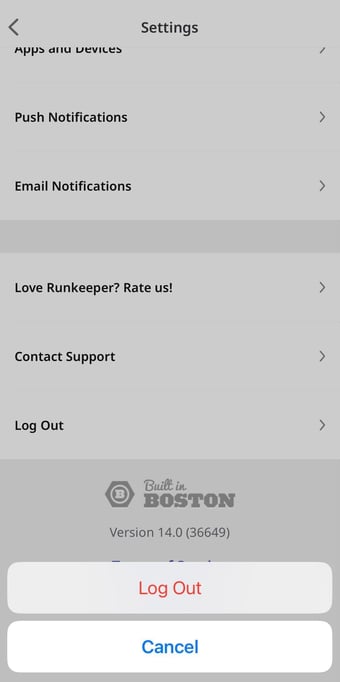
2. Scroll all the way to the bottom of the settings screen and select Log Out

iPhone
1. Go to your "Me" tab in the app and tap on the settings gear in the top right corner
2. Scroll all the way to the bottom of the settings screen and select Log Out