Android
1. Select the three horizontal lines at the top left corner of your app screen and a sidebar menu will appear.
2. Select the gear icon marked "Settings" at the bottom of the menu.
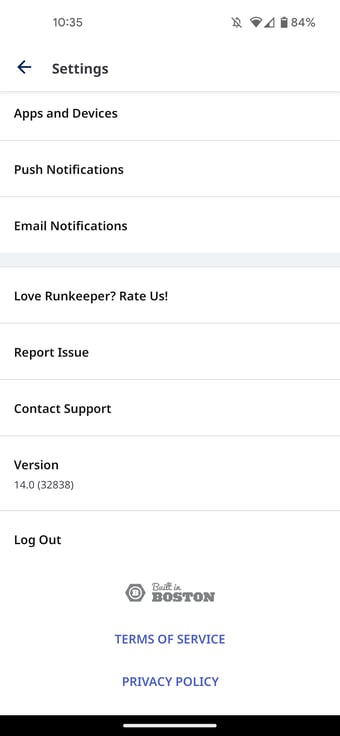
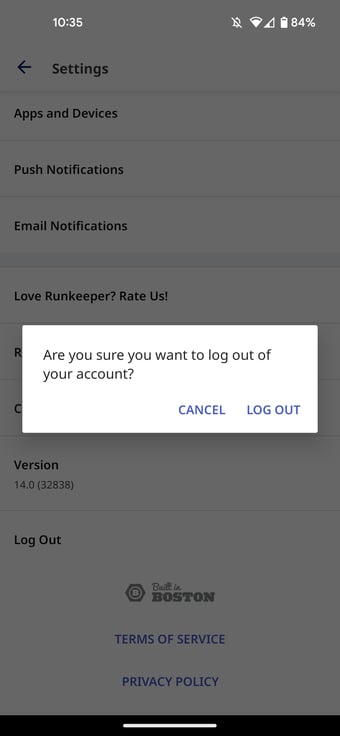
3. Scroll down to the bottom of the "Settings" page and select the "Log Out" option at the bottom of the screen.